AI
The Folder Is the Agent: Running 44 AI Agents Across Projects
I'm running 44 AI agents across multiple projects. Each one is just a model pointed at a folder. Here's the architecture and what I learned.
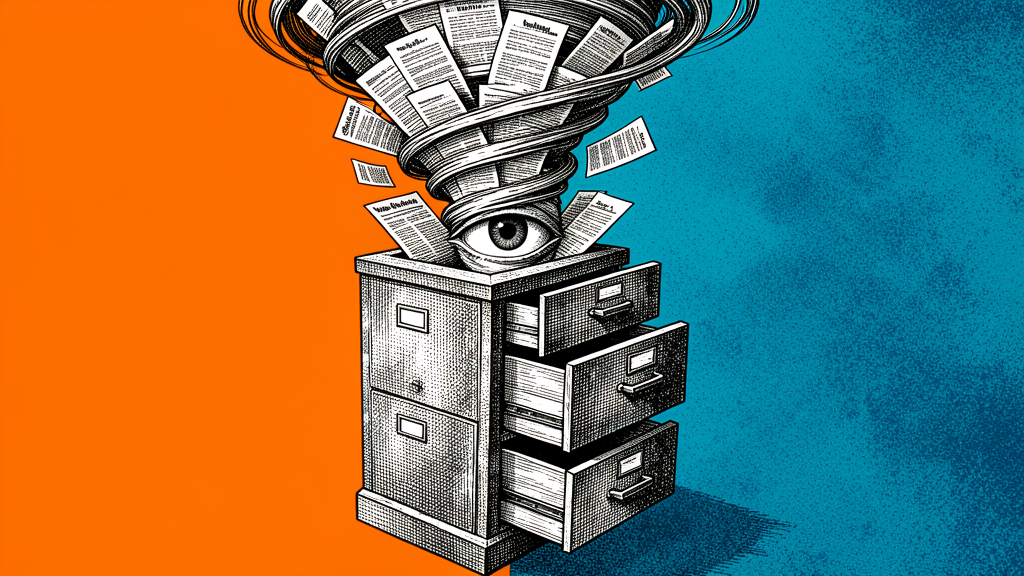
I have 44 AI agents running in production. They handle code review, content generation, customer support triage, logistics optimization, and financial reconciliation. Each one is just a model pointed at a folder.
Not a vector database. Not a RAG pipeline. Not a LangChain graph. A folder.
The Insight
The AI industry is obsessed with complexity. RAG pipelines with chunking strategies, vector embeddings with cosine similarity, agent orchestration frameworks with DAG-based tool routing. All of this exists to solve one problem: giving the model context.
But context is just files. If you organize your files well, the model doesn’t need a vector database. It needs ls.
The Architecture
Each agent runs in a directory:
agents/
  logistics-optimizer/
    AGENTS.md          # Agent instructions
    data/              # Input data (CSVs, JSON)
    output/            # Generated artifacts
    scripts/           # Helper scripts
    memory/            # Persistent notes
  code-reviewer/
    AGENTS.md
    repo/              # Symlink to the repo
    checklists/        # Review criteria
    output/            # PR comments
The AGENTS.md file is the system prompt. It tells the agent:
- What it is
- What files to read
- What to produce
- What constraints to follow
# Logistics Optimizer

You optimize delivery routes for Muchiround logistics providers.

## Input
Read CSV files from `data/` each morning.
Each row has: stop_id, address, package_count, weight_kg, priority.

## Output
Write optimized routes to `output/routes-{date}.json`.
Format: [{ rider_id, stops: [{ stop_id, sequence, eta }] }]

## Constraints
- Max 30 stops per rider
- Priority stops must be in the first 10
- Account for rider break time (30 min after 4 hours)
The agent runs on a cron schedule. It reads the folder, does its work, writes the output. No API. No queue. No orchestration framework.
Why This Works
Filesystems are databases. They support queries (find, grep, ls), indexing (locate), transactions (atomic writes), and versioning (git). They’re the most battle-tested data layer in computing.
Models are good at reading. A modern LLM can read 100k+ tokens. That’s 500 pages of text. Your agent’s context is rarely bigger than that. If it is, you need better file organization, not a vector database.
Folders are debuggable. When an agent makes a mistake, you cd into its folder and look at what it read and what it wrote. With a RAG pipeline, you’re debugging embeddings and similarity scores.
The Cron Layer
Each agent runs on a schedule:
# cron/logistics-optimizer.yaml
schedule: "0 6 * * *"
prompt: "Read the CSV files in data/ and write optimized routes to output/"
workdir: "/agents/logistics-optimizer"
model: "claude-sonnet-4"
The scheduler runs the prompt in a fresh session with the workdir set. The agent reads its files, does its work, writes its output. If the output is non-empty, it’s delivered to the relevant channel.
That’s it. No agent framework. No tool registry. No LangChain.
What About Tools?
Tools are just scripts in the folder. The agent can run them:
# agents/logistics-optimizer/scripts/geocode.sh
#!/bin/bash
# Geocode an address using Pelias
curl -s "http://pelias:4000/v1/search?text=$1" | jq '.features[0].geometry.coordinates'
The AGENTS.md tells the agent what scripts are available:
## Tools
- `scripts/geocode.sh "address"` — Returns [lng, lat] for an address
- `scripts/validate_route.sh output.json` — Validates a route file
The model reads the AGENTS.md, sees the tools, and calls them via the terminal. No function calling schema. No JSON parameter validation. Just a model that can read documentation and run commands.
Memory: Files, Not Embeddings
Agent memory is a memory/ folder with markdown files:
memory/
  2026-06-01.md     # What happened today
  providers.md      # Notes about each provider
  failures.md       # What went wrong and how to avoid it
The agent reads these files at the start of each run. If it learns something new, it appends to the relevant file. No embedding pipeline. No similarity search. Just files.
When This Doesn’t Work
This architecture fails when:
- Your data doesn’t fit in a folder (petabyte-scale)
- Your agent needs real-time streaming (chat interfaces)
- Your tool chain requires persistent state (long-running sessions)
For everything else — which is most things — the folder is the agent.
The Bigger Point
The AI industry has a complexity bias. We assume that if something is simple, it can’t be powerful. But the most powerful architectures are simple. A model pointed at a folder is simple. It’s also the most reliable agent architecture I’ve used in two years of production.
44 agents. Zero RAG pipelines. Zero orchestration frameworks. Just folders.
Kudapara Kady
Founder & Engineer
Building software for Africa at Kudapara. Engineering, AI, and logistics from the ground.
Keep Reading
Jul 28, 2026
First Principles, Not Competitors
Why Kudapara rejects competitor-copy culture — the Algorithm, rejected analogies, and how we decide what to build for African markets.
Jul 28, 2026
Not an agency. Not a clone.
How Kudapara differs from consultancies, single-founder shops, and startups that ship Western software with a local skin.
Jul 28, 2026
Production-ready. Still fast.
How Kudapara ships with Hermes agents, Kanban handoffs, PR discipline, local CI merge gates, and the Algorithm before automation.